Beginner
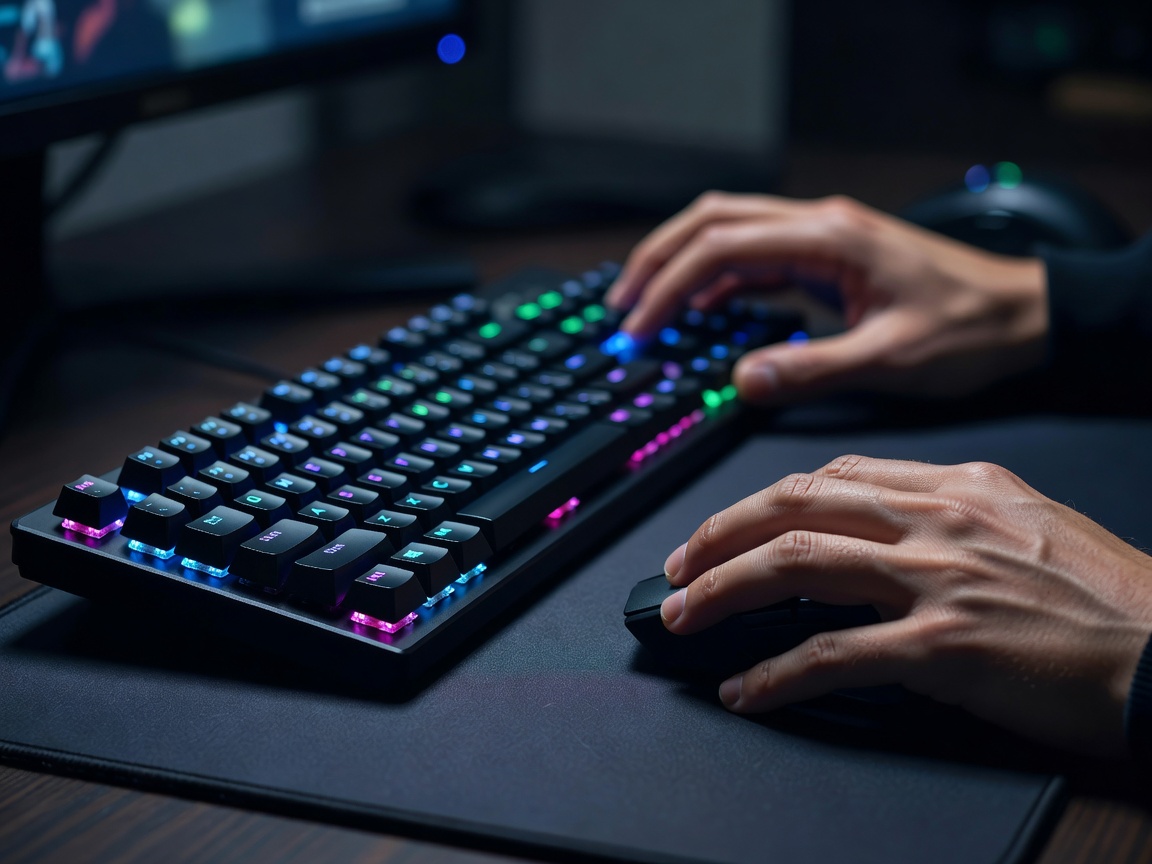
How to Get Smooth 60 FPS in Any PC Game without Lag
Learn which graphics settings like shadows and V-Sync actually impact performance and how to adjust them for a smooth experience.
Step-by-step gaming guides, hardware setup walkthroughs, and controller tips designed for total beginners. Learn at your own pace.
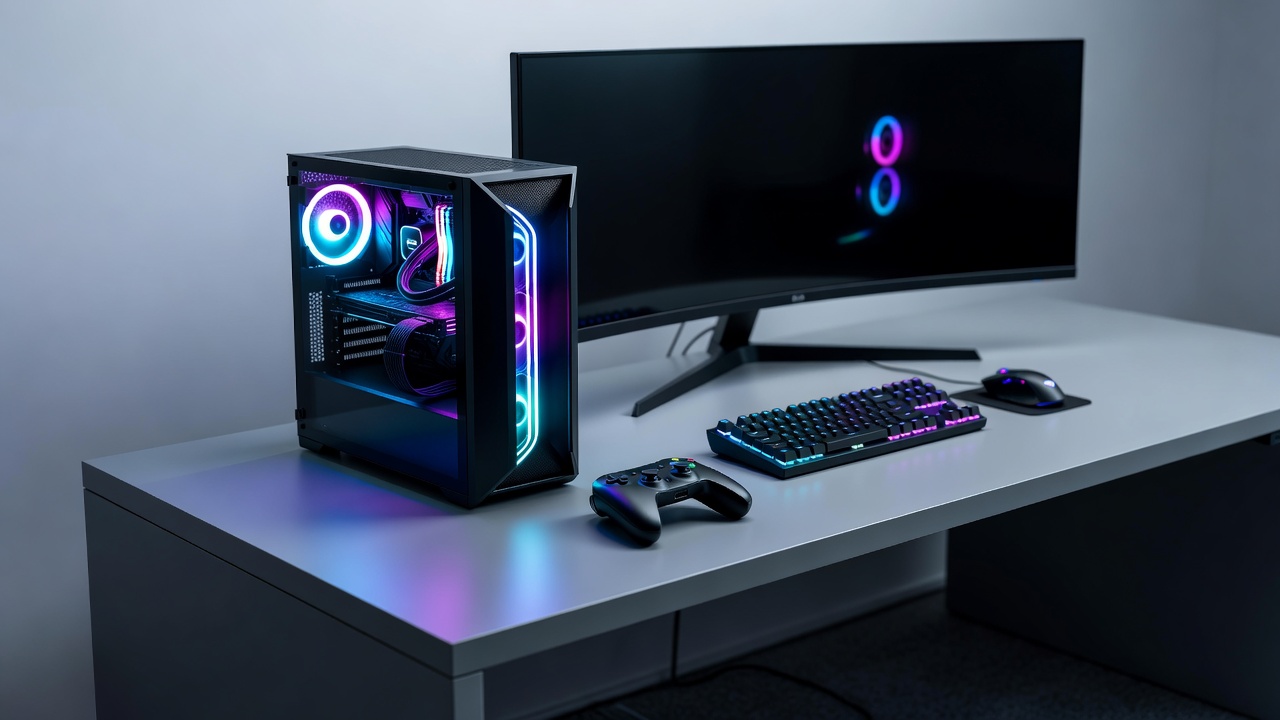
Learn how to unpack, connect, and calibrate your gaming laptop or desktop without messing up display settings.
Start Walkthrough →Pick a topic and get clear, easy instructions written for humans, not hardware technicians.
Graphics settings, monitor refresh rates, mouse sensitivity, and game launchers made simple.
View PC Guides →Mastering controller aim, keybindings, controller vs keyboard setups, and comfortable posture.
View Controls Guides →Setting up Discord, clear microphone audio, spatial surround sound, and avoiding background noise.
View Audio Guides →Downloading Steam, organizing game files, adjusting field of view (FOV), and optimizing frame rates.
View Setup Guides →Click on any guide card to access the full step-by-step instructions and recommendations.
Learn which graphics settings like shadows and V-Sync actually impact performance and how to adjust them for a smooth experience.
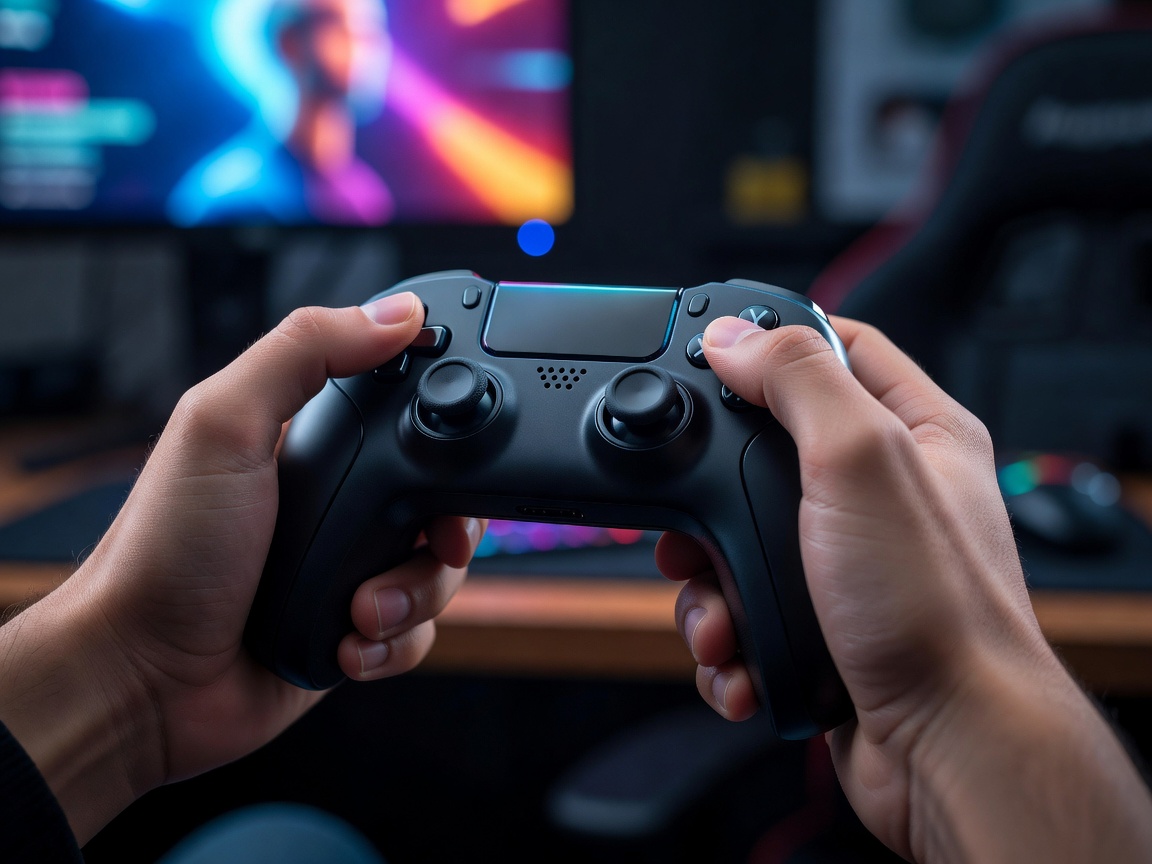
Struggling to track targets? Here is a simple step-by-step method to calibrate your thumbstick deadzone and look speed.
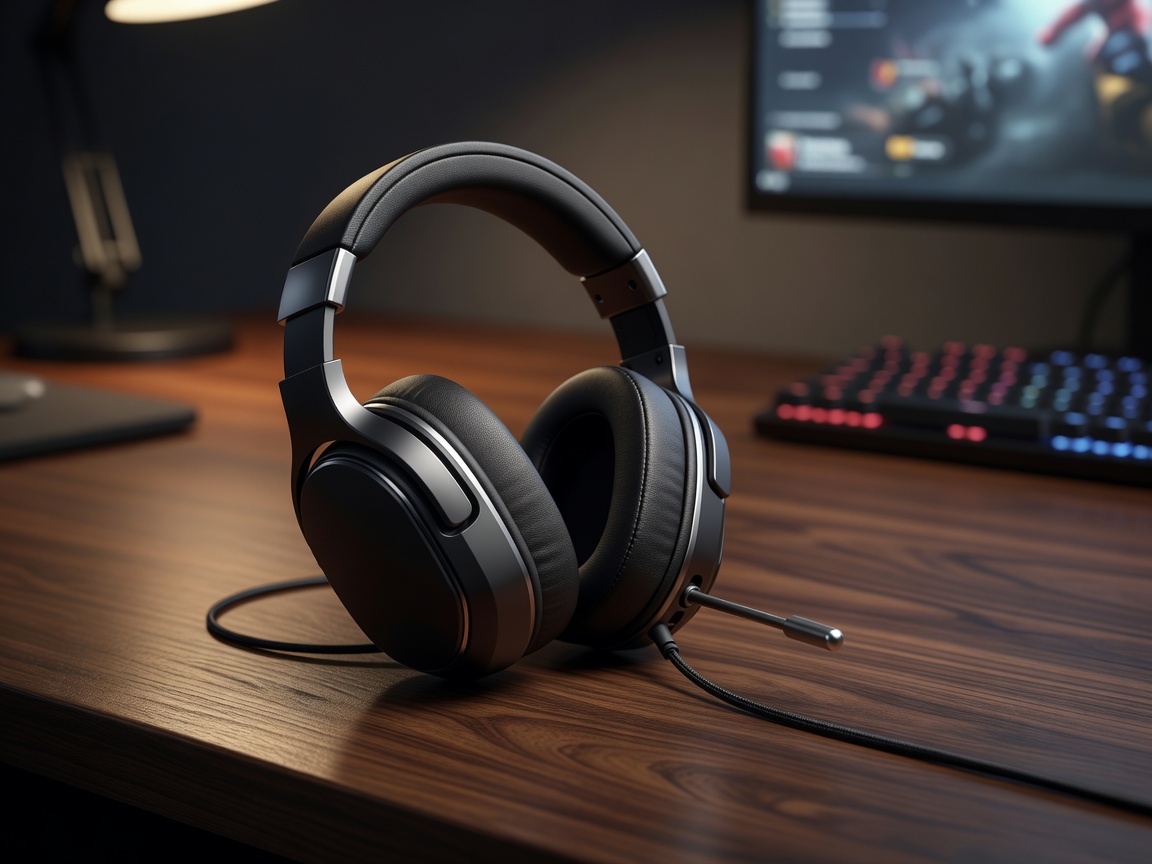
Eliminate background noise, computer hums, and accidental feedback using free noise-suppression settings.