1. The 90-Degree Arm and Elbow Rule
Adjust your chair height so your elbows sit at a comfortable 90-degree angle when your hands rest on your keyboard or mouse pad. If your shoulders are hunched upward, your chair is set too low.
Avoid letting your forearms bend sharply upward at the desk edge, as this cuts off blood circulation to your hands and causes wrist numbness.
The top line of your monitor screen should sit directly at eye level. If you tilt your chin down to view your screen, raise your monitor stand or place a monitor riser underneath.
2. Wrist Extension vs Neutral Positioning
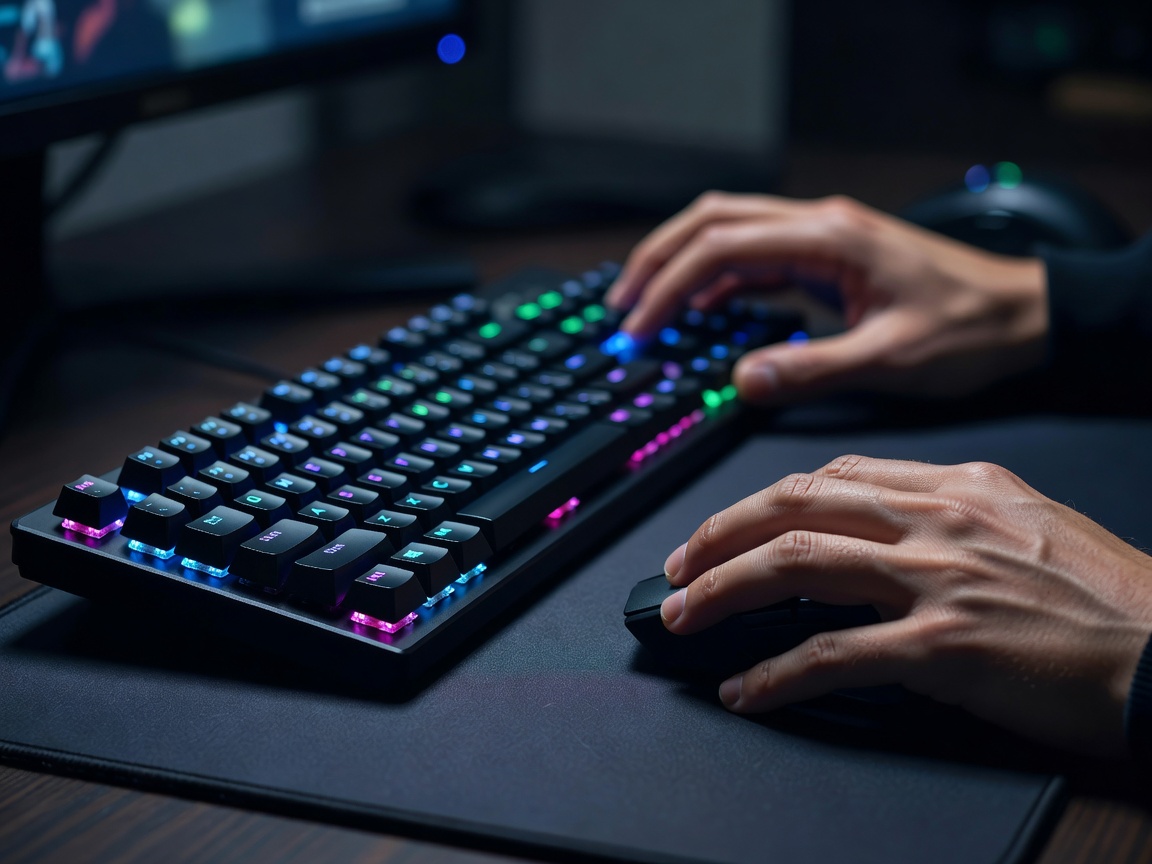
When gripping a mouse or typing on a keyboard, keep your wrists straight rather than bent backward. Consider using a soft memory-foam wrist rest in front of your keyboard if you use a high-profile mechanical board.
3. Screen Distance & The 20-20-20 Rule
Position your display roughly an arm's length away (20 to 28 inches). To prevent digital eye fatigue and headaches:
- Every 20 minutes: Take a 20-second break.
- Look at an object at least 20 feet away to relax your eye focusing muscles.
4. Quick Wrist & Forearm Stretches
Perform these two simple stretches before long gaming sessions:
- Flexor Stretch: Extend your right arm forward with palm facing up. Gently pull fingers backward with your left hand for 15 seconds. Repeat on left arm.
- Extensor Stretch: Extend arm with palm facing down, bend wrist downward, and gently pull back of hand toward you for 15 seconds.
5. Summary
Proper posture and minor desk adjustments make a massive difference in long-term gaming comfort and help prevent strain injuries.